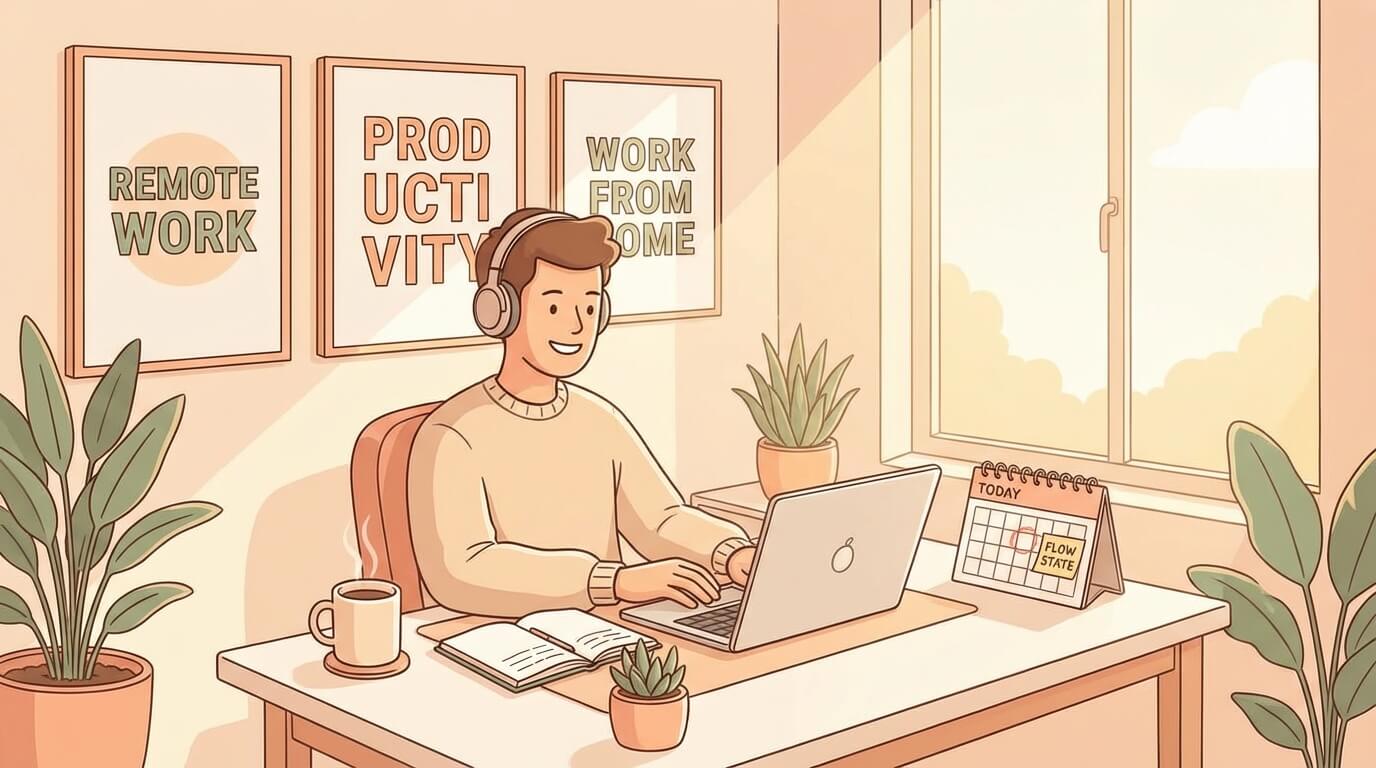
Remote Work Tips: Stay Productive Working from Home
Friday, Dec 26, 2025
Remote work has become the new normal for many developers. But honestly, working from home isn’t as easy as it sounds. On one hand, we get flexibility, but on the other hand, there are unique challenges to staying productive.
I’ve been working remotely for several years, and in this article, I want to share tips that have proven to work for me and many other developers.
Set Up a Proper Workspace
This is the most important foundation. Don’t work from your bed or couch—trust me, your productivity will plummet.
What you need:
- Ergonomic desk and chair — An investment in your spinal health
- External monitor — Dual monitors are even better if possible
- Adequate lighting — Natural light is the best
- Quality headset — Important for meetings and focus time
- Dedicated space — Separate your work area from your relaxation area
It doesn’t have to be expensive, what matters is that it’s dedicated and comfortable. Your brain needs the association: when you sit in that spot, it means it’s time to work.
Consistent Morning Routine
One of the traps of remote work is waking up 5 minutes before standup. Don’t.
Recommended routine:
- Wake up at the same time every day
- Shower and change clothes (yes, don’t stay in pajamas)
- Have a proper breakfast, not just coffee
- Light exercise or 10-15 minutes of stretching
- Review your task list before starting work
This ritual signals to your brain that “work mode is activated.” You’ll notice the difference within a week.
Time Management: Pomodoro and Time Blocking
In the office, there’s a natural structure that enforces focus. At home? You have to create it yourself.
Pomodoro Technique
- 25 minutes of focused work
- 5 minute break
- After 4 cycles, take a 15-30 minute break
Simple but effective. Many developers find this method works well for coding sessions.
Time Blocking
This approach is better if you have many different tasks:
09:00 - 11:00: Deep work (coding, no meetings)
11:00 - 12:00: Code review & PR
13:00 - 14:00: Meetings
14:00 - 17:00: Deep work again
17:00 - 18:00: Documentation & planning tomorrow
The key: protect your deep work time. Don’t let meetings slip into your productive hours.
Communication: Async vs Sync
Remote work is mostly async communication. And this is a skill that needs to be learned.
Async Communication Best Practices
- Over-communicate — Write complete context in Slack/messages
- Use threads — Don’t spam the channel with long conversations
- Document everything — Important decisions need written records
- Set expectations — Let people know when you’ll respond
When to Use Sync (Meeting/Call)?
- Brainstorming sessions
- Sensitive discussions
- Onboarding new people
- When async has gone back and forth more than 3 times
Pro tip: Before scheduling a meeting, first ask “Can this be resolved via async?”
Dealing with Distractions
Home is full of distractions: family, TV, refrigerator, social media, cats. Here’s how to handle them:
Techniques that work:
- Website blocker — Use extensions like Cold Turkey or Freedom
- Phone in another room — Or at least silent and face down
- Communicate with household members — Let them know your work hours
- Headphones as a signal — When wearing headphones = don’t disturb
- Limit news/social media — Just twice a day: morning and evening
Most importantly: acknowledge that distraction is normal. Don’t be too harsh on yourself.
Work-Life Boundaries
This is the trickiest part. When your workspace = living space, how do you “go home” from work?
Set Hard Boundaries
- Fixed end time — At 6 PM laptop closes, no exceptions
- Separate devices — If possible, work laptop and personal laptop are separate
- No Slack on phone — Or at least turn off notifications after work hours
- Physical ritual — Walk outside for 10 minutes as a “commute”
Communicate Boundaries
Let your team know:
- What hours you’re available
- When you won’t respond
- How to reach you if urgent
Boundaries without communication will create friction.
Mental Health and Burnout Prevention
Remote work can be isolating. And burnout in remote settings is real.
Warning signs:
- Constantly tired despite enough sleep
- Cynical about work
- Significant drop in productivity
- Difficulty concentrating
- Physical symptoms (headache, muscle tension)
Prevention:
- Social interaction — Schedule virtual coffee with coworkers
- Regular breaks — Step away from the screen
- Hobbies outside of coding — Very important
- Exercise — At least 30 minutes per day
- Vacation days — Use them, even if it’s just a staycation
Don’t wait until burnout to take action. Prevention is easier than recovery.
Tools Recommendation
Here are the tools I use for remote work:
Communication
- Slack/Discord — Daily communication
- Zoom/Google Meet — Video calls
- Loom — Async video messages
Productivity
- Notion — Notes and documentation
- Todoist/Things — Task management
- Toggl — Time tracking
- Forest — Focus timer
Development
- VS Code Live Share — Pair programming
- GitHub/GitLab — Version control and code review
- Linear/Jira — Project management
Wellbeing
- f.lux — Blue light filter
- Stretchly — Break reminder
- Headspace/Calm — Meditation
Tips for Timezone Differences
When working with a distributed team, timezone becomes an additional challenge.
Best Practices
- Know your overlap hours — When everyone is online together
- Respect others’ time — Don’t expect replies during others’ sleep hours
- Use world clock — Pin coworkers’ timezones in your menu bar
- Rotate meeting times — Don’t always make the same person sacrifice
- Record important meetings — For those who can’t attend live
Async-First Mindset
When timezones are very different, async communication becomes even more important:
- Decision-making through written discussion
- Detailed PR descriptions
- Good documentation practices
- Video walkthroughs for complex topics
Conclusion
Remote work is a skill that needs to be developed. It won’t be perfect on day one, and that’s okay.
Key takeaways:
- Set up a dedicated and comfortable workspace
- Build a consistent morning routine
- Master time management with Pomodoro or time blocking
- Prioritize async communication but know when to sync
- Manage distractions with intentional boundaries
- Protect work-life balance with hard limits
- Take care of mental health—don’t ignore warning signs
- Leverage the right tools for your workflow
- Timezone differences require extra communication effort
Start with 1-2 tips first, don’t do everything at once. Gradually build sustainable habits.
Remote work is a privilege, but also a responsibility. With the right approach, you can enjoy its flexibility while still delivering quality work.
Good luck, and may these tips help! 🚀