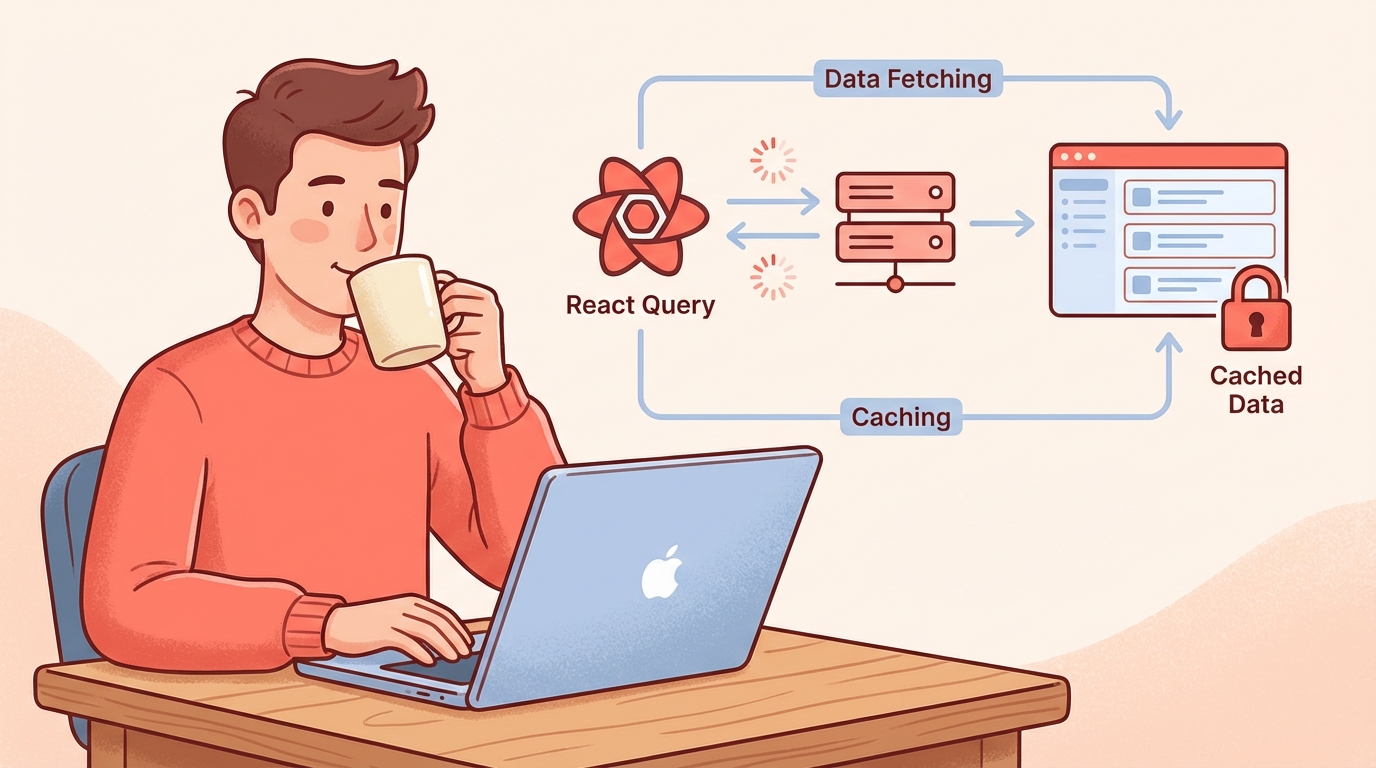
React Query (TanStack Query) Tutorial: Data Fetching
Tuesday, Dec 23, 2025
If you’ve ever built a React application that connects to an API, you know how messy managing data can be: loading states, error handling, caching, refetching… All of it has to be handled manually with useState and useEffect.
React Query (now called TanStack Query) is here to simplify all of that. This library has become a game changer for data fetching in React.
What is React Query / TanStack Query?
TanStack Query is a library for server state management in React. Unlike client state (like form inputs, modal open/close), server state is data that comes from APIs/databases.
// Old way: useState + useEffect
const [data, setData] = useState(null);
const [loading, setLoading] = useState(true);
const [error, setError] = useState(null);

useEffect(() => {
  fetch('/api/products')
    .then(res => res.json())
    .then(data => {
      setData(data);
      setLoading(false);
    })
    .catch(err => {
      setError(err);
      setLoading(false);
    });
}, []);

// New way: React Query
const { data, isLoading, error } = useQuery({
  queryKey: ['products'],
  queryFn: () => fetch('/api/products').then(res => res.json())
});
See the difference? From 15+ lines down to just 4 lines.
Main Features of TanStack Query
| Feature | Description |
|---|---|
| Automatic Caching | Data stored in memory, no need to refetch |
| Background Refetching | Data updated in background without loading spinner |
| Stale-While-Revalidate | Display old data while fetching new data |
| Error Retry | Automatic retry if request fails |
| Pagination & Infinite Query | Built-in support for pagination |
| Optimistic Updates | UI updates before API response |
| DevTools | Visual debugging for all queries |
Installation and Setup
1. Install Package
npm install @tanstack/react-query
# or
pnpm add @tanstack/react-query
2. Setup QueryClientProvider
Wrap your application with QueryClientProvider in the root component:
// filepath: /src/main.tsx
import { QueryClient, QueryClientProvider } from '@tanstack/react-query';

const queryClient = new QueryClient({
  defaultOptions: {
    queries: {
      staleTime: 1000 * 60 * 5, // 5 minutes
      retry: 3,
    },
  },
});

function App() {
  return (
    <QueryClientProvider client={queryClient}>
      <Router />
    </QueryClientProvider>
  );
}
3. Install DevTools (Optional but Recommended)
npm install @tanstack/react-query-devtools// filepath: /src/main.tsx
import { ReactQueryDevtools } from '@tanstack/react-query-devtools';
function App() {
return (
<QueryClientProvider client={queryClient}>
<Router />
<ReactQueryDevtools initialIsOpen={false} />
</QueryClientProvider>
);
}useQuery: Fetch Data Easily
useQuery is the main hook for reading data (GET requests).
Basic Usage
// filepath: /src/hooks/useProducts.ts
import { useQuery } from '@tanstack/react-query';

interface Product {
  id: number;
  name: string;
  price: number;
}

async function fetchProducts(): Promise<Product[]> {
  const res = await fetch('/api/products');
  if (!res.ok) throw new Error('Failed to fetch products');
  return res.json();
}

export function useProducts() {
  return useQuery({
    queryKey: ['products'],
    queryFn: fetchProducts,
  });
}
Using in Component
// filepath: /src/components/ProductList.tsx
import { useProducts } from '../hooks/useProducts';

export function ProductList() {
  const { data, isLoading, error, refetch } = useProducts();

  if (isLoading) return <div>Loading...</div>;
  if (error) return <div>Error: {error.message}</div>;

  return (
    <div>
      <button onClick={() => refetch()}>Refresh</button>
      <ul>
        {data?.map(product => (
          <li key={product.id}>
            {product.name} - ${product.price.toLocaleString()}
          </li>
        ))}
      </ul>
    </div>
  );
}
Query with Parameters
// filepath: /src/hooks/useProduct.ts
export function useProduct(id: number) {
  return useQuery({
    queryKey: ['product', id], // Unique query key per ID
    queryFn: () => fetch(`/api/products/${id}`).then(res => res.json()),
    enabled: !!id, // Only fetch if id exists
  });
}
useMutation: Create, Update, Delete Data
useMutation is used for operations that modify data on the server (POST, PUT, DELETE).
Create Data
// filepath: /src/hooks/useCreateProduct.ts
import { useMutation, useQueryClient } from '@tanstack/react-query';

interface CreateProductInput {
  name: string;
  price: number;
}

export function useCreateProduct() {
  const queryClient = useQueryClient();

  return useMutation({
    mutationFn: (newProduct: CreateProductInput) =>
      fetch('/api/products', {
        method: 'POST',
        headers: { 'Content-Type': 'application/json' },
        body: JSON.stringify(newProduct),
      }).then(res => res.json()),

    onSuccess: () => {
      // Invalidate cache so data refreshes
      queryClient.invalidateQueries({ queryKey: ['products'] });
    },
  });
}
Using Mutation in Form
// filepath: /src/components/CreateProductForm.tsx
import { useState } from 'react';
import { useCreateProduct } from '../hooks/useCreateProduct';

export function CreateProductForm() {
  const [name, setName] = useState('');
  const [price, setPrice] = useState('');

  const createProduct = useCreateProduct();

  const handleSubmit = (e: React.FormEvent) => {
    e.preventDefault();
    createProduct.mutate(
      { name, price: Number(price) },
      {
        onSuccess: () => {
          setName('');
          setPrice('');
          alert('Product added successfully!');
        },
        onError: (error) => {
          alert(`Error: ${error.message}`);
        },
      }
    );
  };

  return (
    <form onSubmit={handleSubmit}>
      <input
        value={name}
        onChange={(e) => setName(e.target.value)}
        placeholder="Product name"
        required
      />
      <input
        type="number"
        value={price}
        onChange={(e) => setPrice(e.target.value)}
        placeholder="Price"
        required
      />
      <button type="submit" disabled={createProduct.isPending}>
        {createProduct.isPending ? 'Saving...' : 'Add Product'}
      </button>
    </form>
  );
}
Update Data with Optimistic Update
Optimistic updates make the UI feel more responsive by updating the display before the API completes:
// filepath: /src/hooks/useUpdateProduct.ts
import { useMutation, useQueryClient } from '@tanstack/react-query';

export function useUpdateProduct() {
  const queryClient = useQueryClient();

  return useMutation({
    mutationFn: ({ id, ...data }: { id: number; name: string; price: number }) =>
      fetch(`/api/products/${id}`, {
        method: 'PUT',
        headers: { 'Content-Type': 'application/json' },
        body: JSON.stringify(data),
      }).then(res => res.json()),

    // Optimistic update
    onMutate: async (updatedProduct) => {
      // Cancel ongoing fetches
      await queryClient.cancelQueries({ queryKey: ['products'] });

      // Snapshot previous data
      const previousProducts = queryClient.getQueryData(['products']);

      // Optimistically update cache
      queryClient.setQueryData(['products'], (old: Product[]) =>
        old.map(p => (p.id === updatedProduct.id ? { ...p, ...updatedProduct } : p))
      );

      return { previousProducts };
    },

    onError: (err, variables, context) => {
      // Rollback to previous data on error
      if (context?.previousProducts) {
        queryClient.setQueryData(['products'], context.previousProducts);
      }
    },

    onSettled: () => {
      // Refetch to ensure data is synced
      queryClient.invalidateQueries({ queryKey: ['products'] });
    },
  });
}
Delete Data
// filepath: /src/hooks/useDeleteProduct.ts
export function useDeleteProduct() {
  const queryClient = useQueryClient();

  return useMutation({
    mutationFn: (id: number) =>
      fetch(`/api/products/${id}`, { method: 'DELETE' }),

    onSuccess: () => {
      queryClient.invalidateQueries({ queryKey: ['products'] });
    },
  });
}
Infinite Query: Pagination & Infinite Scroll
For load more or infinite scroll, use useInfiniteQuery:
// filepath: /src/hooks/useInfiniteProducts.ts
import { useInfiniteQuery } from '@tanstack/react-query';

interface ProductPage {
  products: Product[];
  nextCursor: number | null;
}

export function useInfiniteProducts() {
  return useInfiniteQuery({
    queryKey: ['products', 'infinite'],
    queryFn: async ({ pageParam = 0 }) => {
      const res = await fetch(`/api/products?cursor=${pageParam}&limit=10`);
      return res.json() as Promise<ProductPage>;
    },
    getNextPageParam: (lastPage) => lastPage.nextCursor,
    initialPageParam: 0,
  });
}
// filepath: /src/components/InfiniteProductList.tsx
export function InfiniteProductList() {
const {
data,
fetchNextPage,
hasNextPage,
isFetchingNextPage,
} = useInfiniteProducts();
return (
<div>
{data?.pages.map((page, i) => (
<div key={i}>
{page.products.map(product => (
<div key={product.id}>{product.name}</div>
))}
</div>
))}
<button
onClick={() => fetchNextPage()}
disabled={!hasNextPage || isFetchingNextPage}
>
{isFetchingNextPage
? 'Loading more...'
: hasNextPage
? 'Load More'
: 'No more products'}
</button>
</div>
);
}Tips and Best Practices
1. Query Keys Organization
// filepath: /src/lib/queryKeys.ts
export const queryKeys = {
  products: {
    all: ['products'] as const,
    lists: () => [...queryKeys.products.all, 'list'] as const,
    list: (filters: string) => [...queryKeys.products.lists(), filters] as const,
    details: () => [...queryKeys.products.all, 'detail'] as const,
    detail: (id: number) => [...queryKeys.products.details(), id] as const,
  },
};
2. Centralized API Functions
// filepath: /src/lib/api.ts
const API_BASE = '/api';

export const api = {
  products: {
    getAll: () => fetch(`${API_BASE}/products`).then(res => res.json()),
    getById: (id: number) => fetch(`${API_BASE}/products/${id}`).then(res => res.json()),
    create: (data: CreateProductInput) =>
      fetch(`${API_BASE}/products`, {
        method: 'POST',
        headers: { 'Content-Type': 'application/json' },
        body: JSON.stringify(data),
      }).then(res => res.json()),
  },
};
3. Global Error Handling
// filepath: /src/main.tsx
const queryClient = new QueryClient({
  defaultOptions: {
    queries: {
      retry: (failureCount, error) => {
        // Don't retry for 4xx errors
        if (error instanceof Error && error.message.includes('4')) {
          return false;
        }
        return failureCount < 3;
      },
    },
    mutations: {
      onError: (error) => {
        // Global error handler
        toast.error(`Something went wrong: ${error.message}`);
      },
    },
  },
});
React Query vs Alternatives
| Aspect | React Query | SWR | Zustand + Fetch |
|---|---|---|---|
| Caching | ✅ Powerful | ✅ Good | ❌ Manual |
| DevTools | ✅ Built-in | ❌ Community | ❌ None |
| Mutations | ✅ Built-in | ⚠️ Additional | ❌ Manual |
| Bundle Size | ~13KB | ~4KB | ~2KB |
| Learning Curve | Medium | Easy | Easy |
| Optimistic Updates | ✅ Built-in | ⚠️ Manual | ❌ Manual |
When to use React Query?
- Applications with many API calls
- Need caching and background refetching
- Team that needs DevTools for debugging
When to use SWR?
- Simpler applications
- Bundle size is a priority
Conclusion
React Query / TanStack Query is a modern solution for data fetching in React. With features like automatic caching, background refetching, and DevTools, you can focus on business logic without worrying about state management for server data.
Key takeaways:
- Use
useQueryfor GET requests - Use
useMutationfor POST/PUT/DELETE - Leverage
invalidateQueriesto sync data after mutations - Use optimistic updates for better UX
Start using React Query in your next project and feel the difference!