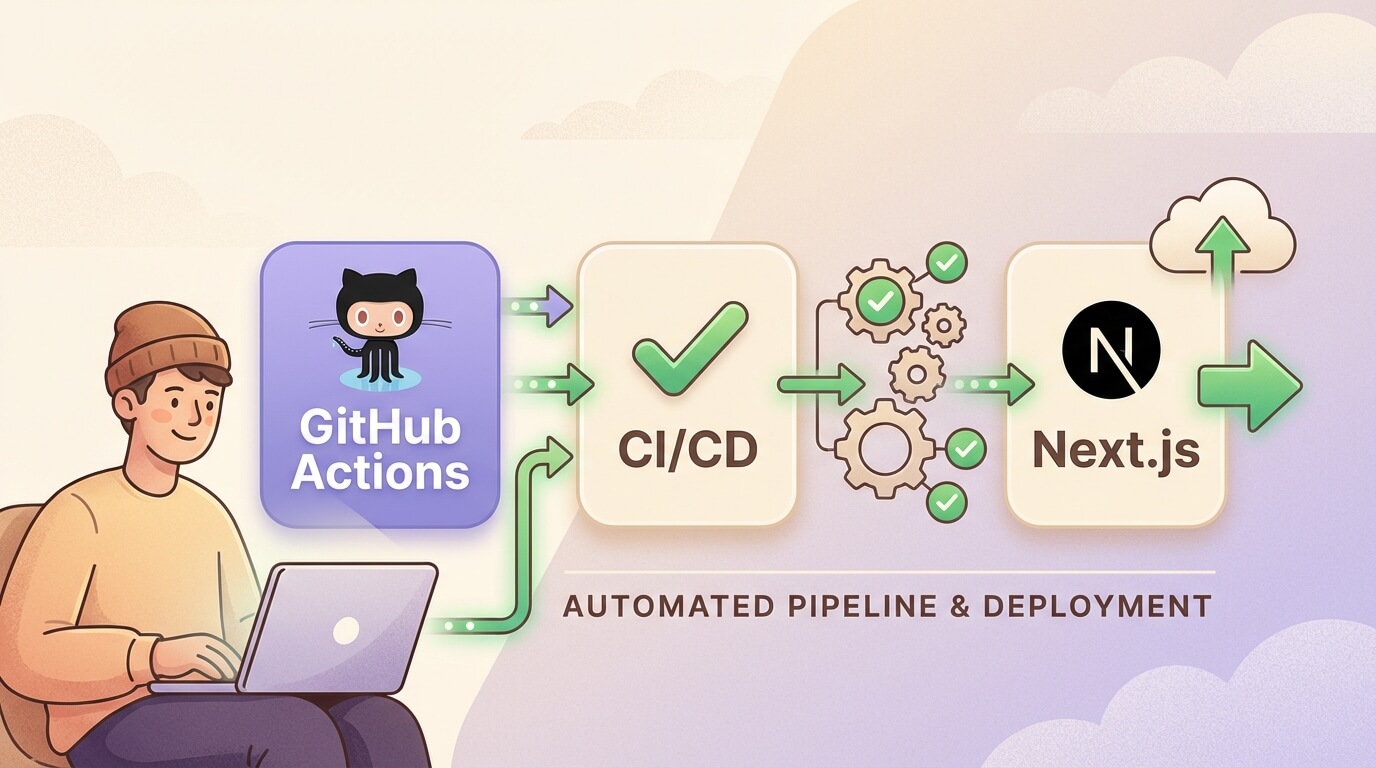
CI/CD Tutorial with GitHub Actions for Next.js
Sunday, Dec 28, 2025
CI/CD (Continuous Integration/Continuous Deployment) is a DevOps practice that enables developer teams to automate testing and deployment processes. With GitHub Actions, you can set up a powerful pipeline directly from your GitHub repository without needing external tools.
What is CI/CD?
Continuous Integration (CI) is a practice where every code change is merged to the main branch regularly. Each merge triggers an automated build and test to detect bugs early.
Continuous Deployment (CD) is an extension of CI where every change that passes testing is automatically deployed to production.
Benefits of CI/CD
- Faster bug detection
- Reduced manual work
- More consistent deployments
- Faster feedback loop
- Increased confidence when releasing
GitHub Actions Basics
GitHub Actions is a CI/CD platform integrated directly with GitHub. You define workflows in YAML files in the .github/workflows/ folder.
Basic Concepts
- Workflow: Automated process you define in the repository
- Event: Trigger that starts the workflow (push, pull_request, schedule, etc)
- Job: A set of steps that run on the same runner
- Step: Individual task within a job
- Action: Reusable unit of code
- Runner: Server that runs the workflow
Workflow File Structure
name: CI Pipeline

on:
  push:
    branches: [main, develop]
  pull_request:
    branches: [main]

jobs:
  build:
    runs-on: ubuntu-latest
    steps:
      - uses: actions/checkout@v4
      - name: Run a script
        run: echo "Hello, World!"
Setup CI Pipeline for Next.js
Let’s create a complete CI pipeline that includes linting, testing, and building.
1. Basic CI Workflow
Create file .github/workflows/ci.yml:
name: CI

on:
  push:
    branches: [main, develop]
  pull_request:
    branches: [main]

jobs:
  lint:
    name: Lint
    runs-on: ubuntu-latest
    steps:
      - uses: actions/checkout@v4

      - name: Setup Node.js
        uses: actions/setup-node@v4
        with:
          node-version: '20'
          cache: 'npm'

      - name: Install dependencies
        run: npm ci

      - name: Run ESLint
        run: npm run lint

  test:
    name: Test
    runs-on: ubuntu-latest
    steps:
      - uses: actions/checkout@v4

      - name: Setup Node.js
        uses: actions/setup-node@v4
        with:
          node-version: '20'
          cache: 'npm'

      - name: Install dependencies
        run: npm ci

      - name: Run tests
        run: npm test

  build:
    name: Build
    runs-on: ubuntu-latest
    needs: [lint, test]
    steps:
      - uses: actions/checkout@v4

      - name: Setup Node.js
        uses: actions/setup-node@v4
        with:
          node-version: '20'
          cache: 'npm'

      - name: Install dependencies
        run: npm ci

      - name: Build
        run: npm run build
2. Type Checking
Add type checking for TypeScript:
  typecheck:
    name: Type Check
    runs-on: ubuntu-latest
    steps:
      - uses: actions/checkout@v4

      - name: Setup Node.js
        uses: actions/setup-node@v4
        with:
          node-version: '20'
          cache: 'npm'

      - name: Install dependencies
        run: npm ci

      - name: Type check
        run: npx tsc --noEmit
Deploy to Vercel
Vercel is a platform created by the Next.js team, so deployment integration is very seamless.
Automatic Deployment (Recommended)
The easiest way is to connect your GitHub repository to Vercel. Every push will automatically trigger a deployment.
- Go to vercel.com
- Import repository from GitHub
- Vercel will auto-detect Next.js and configure settings
- Done! Every push to main will deploy to production
Manual Deployment via GitHub Actions
If you need more control, use Vercel CLI:
name: Deploy to Vercel

on:
  push:
    branches: [main]

jobs:
  deploy:
    runs-on: ubuntu-latest
    steps:
      - uses: actions/checkout@v4

      - name: Setup Node.js
        uses: actions/setup-node@v4
        with:
          node-version: '20'
          cache: 'npm'

      - name: Install Vercel CLI
        run: npm i -g vercel@latest

      - name: Pull Vercel Environment
        run: vercel pull --yes --environment=production --token=${{ secrets.VERCEL_TOKEN }}

      - name: Build Project
        run: vercel build --prod --token=${{ secrets.VERCEL_TOKEN }}

      - name: Deploy to Vercel
        run: vercel deploy --prebuilt --prod --token=${{ secrets.VERCEL_TOKEN }}

env:
  VERCEL_ORG_ID: ${{ secrets.VERCEL_ORG_ID }}
  VERCEL_PROJECT_ID: ${{ secrets.VERCEL_PROJECT_ID }}
Setup Vercel Secrets
- Install Vercel CLI:
npm i -g vercel - Login:
vercel login - Link project:
vercel link - Get token from Vercel Account Settings
- Add secrets in GitHub repository settings:
VERCEL_TOKENVERCEL_ORG_ID(from.vercel/project.json)VERCEL_PROJECT_ID(from.vercel/project.json)
Deploy to VPS with Docker
For those who prefer self-hosting, here’s how to deploy to a VPS using Docker.
1. Dockerfile for Next.js
Create Dockerfile in project root:
FROM node:20-alpine AS base

FROM base AS deps
RUN apk add --no-cache libc6-compat
WORKDIR /app
COPY package.json package-lock.json ./
RUN npm ci

FROM base AS builder
WORKDIR /app
COPY --from=deps /app/node_modules ./node_modules
COPY . .
ENV NEXT_TELEMETRY_DISABLED 1
RUN npm run build

FROM base AS runner
WORKDIR /app
ENV NODE_ENV production
ENV NEXT_TELEMETRY_DISABLED 1

RUN addgroup --system --gid 1001 nodejs
RUN adduser --system --uid 1001 nextjs

COPY --from=builder /app/public ./public
COPY --from=builder --chown=nextjs:nodejs /app/.next/standalone ./
COPY --from=builder --chown=nextjs:nodejs /app/.next/static ./.next/static

USER nextjs
EXPOSE 3000
ENV PORT 3000

CMD ["node", "server.js"]
Make sure next.config.js uses standalone output:
/** @type {import('next').NextConfig} */
const nextConfig = {
  output: 'standalone',
}

module.exports = nextConfig
2. GitHub Actions for VPS Deployment
name: Deploy to VPS

on:
  push:
    branches: [main]

env:
  REGISTRY: ghcr.io
  IMAGE_NAME: ${{ github.repository }}

jobs:
  build-and-push:
    runs-on: ubuntu-latest
    permissions:
      contents: read
      packages: write

    steps:
      - uses: actions/checkout@v4

      - name: Log in to Container Registry
        uses: docker/login-action@v3
        with:
          registry: ${{ env.REGISTRY }}
          username: ${{ github.actor }}
          password: ${{ secrets.GITHUB_TOKEN }}

      - name: Extract metadata
        id: meta
        uses: docker/metadata-action@v5
        with:
          images: ${{ env.REGISTRY }}/${{ env.IMAGE_NAME }}
          tags: |
            type=sha
            type=raw,value=latest

      - name: Build and push Docker image
        uses: docker/build-push-action@v5
        with:
          context: .
          push: true
          tags: ${{ steps.meta.outputs.tags }}
          labels: ${{ steps.meta.outputs.labels }}

  deploy:
    needs: build-and-push
    runs-on: ubuntu-latest

    steps:
      - name: Deploy to VPS
        uses: appleboy/[email protected]
        with:
          host: ${{ secrets.VPS_HOST }}
          username: ${{ secrets.VPS_USERNAME }}
          key: ${{ secrets.VPS_SSH_KEY }}
          script: |
            docker pull ${{ env.REGISTRY }}/${{ env.IMAGE_NAME }}:latest
            docker stop nextjs-app || true
            docker rm nextjs-app || true
            docker run -d \
              --name nextjs-app \
              -p 3000:3000 \
              --restart unless-stopped \
              -e DATABASE_URL=${{ secrets.DATABASE_URL }} \
              ${{ env.REGISTRY }}/${{ env.IMAGE_NAME }}:latest
3. Setup VPS Secrets
Add these secrets in GitHub:
VPS_HOST: IP address or domain of VPSVPS_USERNAME: SSH username (usuallyrootor another user)VPS_SSH_KEY: SSH private key
Generate SSH key:
ssh-keygen -t ed25519 -C "github-actions"Copy public key to VPS:
ssh-copy-id -i ~/.ssh/id_ed25519.pub user@your-vps-ipEnvironment Secrets
Never commit secrets to the repository! Use GitHub Secrets.
Adding Secrets
- Open repository → Settings → Secrets and variables → Actions
- Click “New repository secret”
- Enter name and value
Using Secrets in Workflow
steps:
  - name: Build with env
    run: npm run build
    env:
      DATABASE_URL: ${{ secrets.DATABASE_URL }}
      NEXT_PUBLIC_API_URL: ${{ secrets.NEXT_PUBLIC_API_URL }}
Caching for Faster Builds
Caching dependencies and build artifacts is very important to speed up CI/CD.
Cache npm Dependencies
- name: Setup Node.js
  uses: actions/setup-node@v4
  with:
    node-version: '20'
    cache: 'npm'
Cache Next.js Build
- name: Cache Next.js build
  uses: actions/cache@v4
  with:
    path: |
      ~/.npm
      ${{ github.workspace }}/.next/cache
    key: ${{ runner.os }}-nextjs-${{ hashFiles('**/package-lock.json') }}-${{ hashFiles('**/*.js', '**/*.jsx', '**/*.ts', '**/*.tsx') }}
    restore-keys: |
      ${{ runner.os }}-nextjs-${{ hashFiles('**/package-lock.json') }}-
Cache Docker Layers
- name: Build and push Docker image
  uses: docker/build-push-action@v5
  with:
    context: .
    push: true
    tags: ${{ steps.meta.outputs.tags }}
    cache-from: type=gha
    cache-to: type=gha,mode=max
Matrix Builds
Matrix builds allow you to run jobs with various configurations in parallel.
Testing Multiple Node Versions
jobs:
  test:
    runs-on: ubuntu-latest
    strategy:
      matrix:
        node-version: [18, 20, 22]

    steps:
      - uses: actions/checkout@v4

      - name: Use Node.js ${{ matrix.node-version }}
        uses: actions/setup-node@v4
        with:
          node-version: ${{ matrix.node-version }}
          cache: 'npm'

      - run: npm ci
      - run: npm test
Best Practices
1. Keep Workflows DRY
Use reusable workflows to avoid duplication:
# .github/workflows/reusable-build.yml
name: Reusable Build

on:
  workflow_call:
    inputs:
      node-version:
        required: false
        type: string
        default: '20'

jobs:
  build:
    runs-on: ubuntu-latest
    steps:
      - uses: actions/checkout@v4
      - uses: actions/setup-node@v4
        with:
          node-version: ${{ inputs.node-version }}
          cache: 'npm'
      - run: npm ci
      - run: npm run build
2. Use Concurrency
Cancel previous workflows if there’s a new push:
concurrency:
  group: ${{ github.workflow }}-${{ github.ref }}
  cancel-in-progress: true
3. Use Timeouts
jobs:
  build:
    runs-on: ubuntu-latest
    timeout-minutes: 15
4. Security Best Practices
- Use
permissionsto limit token access - Pin action versions with SHA:
uses: actions/checkout@8ade135 - Review third-party actions before using
- Don’t expose secrets in logs
jobs:
  build:
    runs-on: ubuntu-latest
    permissions:
      contents: read
      packages: write
Conclusion
GitHub Actions is a powerful tool for automating CI/CD pipelines for Next.js. With proper setup, you can:
- Run linting, testing, and type checking automatically
- Deploy to Vercel with zero-config
- Deploy to VPS using Docker
- Secure secrets and environment variables
- Speed up builds with caching
- Send notifications to the team
Start with a simple workflow, then iterate based on project needs. Hope this tutorial helps!