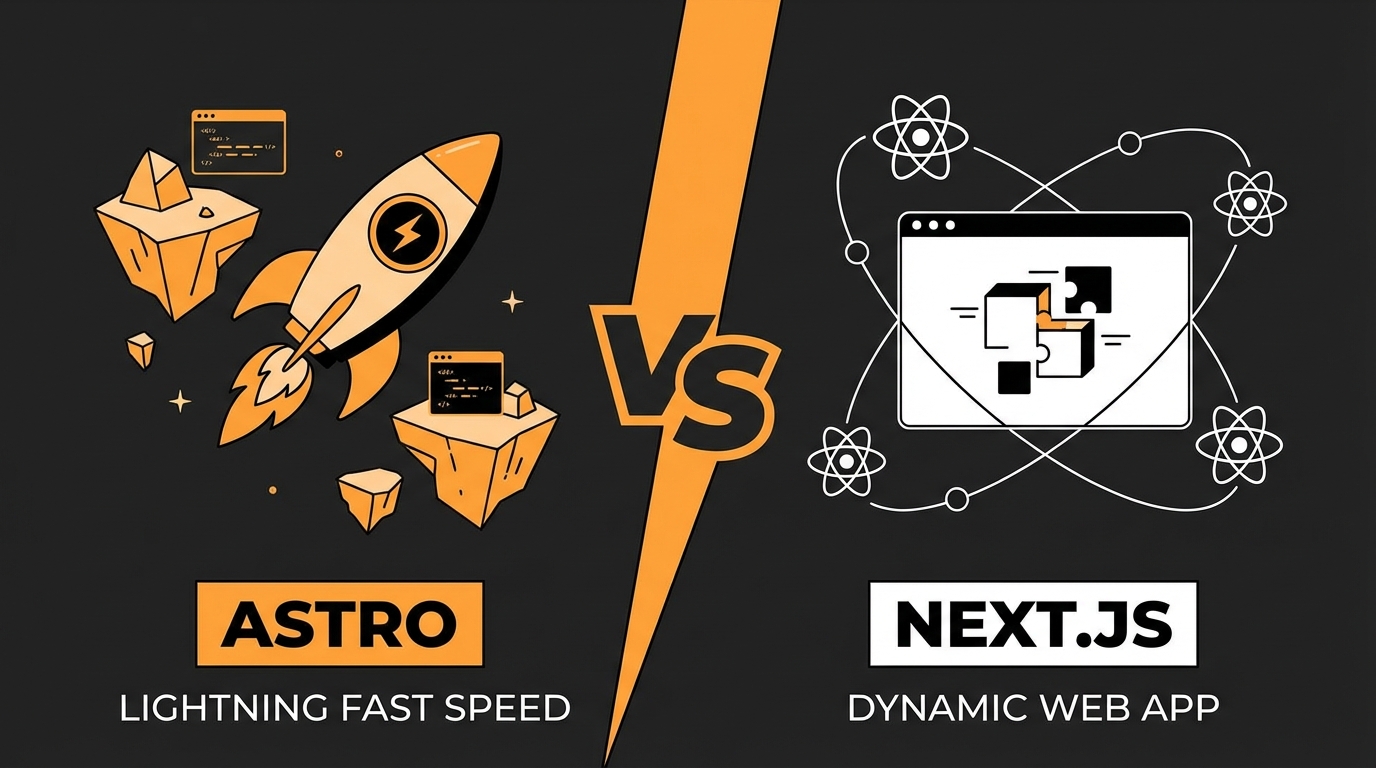
Astro vs Next.js: When to Use Each Framework?
Monday, Dec 22, 2025
As a developer, you’ve probably struggled with choosing a framework. Astro and Next.js are both popular, but their use cases are different. This article will help you choose the right one.
Fun fact: The website you’re reading right now uses both. So I have hands-on experience with both frameworks.
What is Astro?

Astro is a framework focused on content-driven websites. Its philosophy is simple: ship as much HTML as possible, as little JavaScript as possible.
// astro.config.mjs - Simple and straightforward
import { defineConfig } from 'astro/config';
import react from '@astrojs/react';

export default defineConfig({
  integrations: [react()],
  output: 'static',
});
Main advantage: Zero JavaScript by default. Astro only ships JavaScript when you actually need it.
What is Next.js?

Next.js is a complete React framework for building full-stack web applications. Created by Vercel, Next.js offers SSR, SSG, API routes, and much more.
// next.config.js - Full-featured React framework
module.exports = {
  images: {
    domains: ["cdn.sanity.io"],
  },
};
Main advantage: Mature React ecosystem + full-stack features out of the box.
Architecture Differences
Astro: Islands Architecture
Astro uses the Islands Architecture concept. Pages are rendered as static HTML, and interactive components are loaded separately as “islands.”
---
// This component doesn't ship JavaScript
import Header from '../components/Header.astro';
// This component loads with JavaScript (interactive)
import SearchBar from '../components/SearchBar.jsx';
---

<Header />
<!-- client:load = ship JavaScript for this component -->
<SearchBar client:load />
Next.js: Full React Application
Next.js runs React on both server and client. With App Router, you can choose between Server Components and Client Components.
// Server Component (default) - doesn't ship JS to client
async function BlogList() {
  const posts = await getPosts();
  return <ul>{posts.map(p => <li>{p.title}</li>)}</ul>;
}

// Client Component - ships JS to client
'use client';
function LikeButton() {
  const [liked, setLiked] = useState(false);
  return <button onClick={() => setLiked(!liked)}>❤️</button>;
}
Performance Comparison
| Aspect | Astro | Next.js |
|---|---|---|
| Default JavaScript | 0 KB | ~80-100 KB (React runtime) |
| First Load | ⚡ Very fast | Fast |
| Hydration | Partial (islands only) | Full page |
| Build time | Fast | Medium |
| Core Web Vitals | Excellent | Good - Excellent |
Astro clearly wins for static content because of zero JS by default. But Next.js remains performant for applications that actually need interactivity.
When to Use Astro?
Use Astro when you’re building:
1. Blogs & Personal Websites
- Content is the main focus
- Minimal interactivity
- SEO is very important
2. Documentation Sites
- Many static pages
- Need fast navigation
- Example: Popular framework docs
3. Marketing & Landing Pages
- First impressions matter
- Core Web Vitals must be perfect
- Minimal interactive elements
4. Portfolios
- Showcase work
- Image-heavy
- Performance matters
Astro Pros:
- ✅ Zero JS by default
- ✅ Can use React, Vue, Svelte in one project
- ✅ Very fast build time
- ✅ Low learning curve
- ✅ Perfect Core Web Vitals
Astro Cons:
- ❌ Not ideal for highly interactive apps
- ❌ Smaller ecosystem than Next.js
- ❌ Limited backend features
When to Use Next.js?
Use Next.js when you’re building:
1. Web Applications
- Admin dashboards
- SaaS products
- Social media apps
2. E-commerce
- Product pages with interactivity
- Cart, checkout flow
- User authentication
3. Apps with Complex Backend
- Need API routes
- Database integration
- Authentication & authorization
4. Real-time Features
- Chat applications
- Live updates
- Collaborative tools
Next.js Pros:
- ✅ Full-stack in one framework
- ✅ Massive React ecosystem
- ✅ Built-in API routes
- ✅ Excellent DX with Vercel
- ✅ Server Components for performance
Next.js Cons:
- ❌ React runtime always shipped
- ❌ Higher learning curve
- ❌ Overkill for simple static sites
Complete Comparison
| Aspect | Astro | Next.js |
|---|---|---|
| Use Case | Content sites | Web apps |
| JS Bundle | 0 KB default | 80+ KB |
| Learning Curve | Low | Medium-High |
| Framework Support | React, Vue, Svelte, etc | React only |
| API Routes | Basic | Full-featured |
| Authentication | Third-party | NextAuth.js |
| Database | External | Prisma, Drizzle |
| Deployment | Anywhere | Optimized for Vercel |
| SSR | Opt-in | Built-in |
| ISR | No | Yes |
Personal Experience
The website you’re reading right now is actually the result of my experimentation with both frameworks.
Astro I use for:
- Blog posts (like this article)
- Static pages
- Content that rarely changes
Next.js I previously used for:
- Pages with dynamic data
- Integration with Notion API
- Features that need server-side logic
My conclusion: Choose based on needs, not hype.
Decision Framework
Answer these questions:
Choose Astro if:
- ✅ Your website is mostly static content
- ✅ SEO and performance are top priorities
- ✅ Minimal interactivity
- ✅ Want to use various UI frameworks
- ✅ Need fast build times
Choose Next.js if:
- ✅ Need full-stack capabilities
- ✅ App with lots of interactivity
- ✅ Team is already familiar with React
- ✅ Need API routes, auth, database
- ✅ Planning to scale to enterprise
Can You Use Both?
Absolutely! Many companies use:
- Astro for marketing site & blog
- Next.js for dashboard & web app
They can coexist on different subdomains.
Conclusion
There’s no absolute winner. What exists is the right framework for specific needs.
| Need | Choice |
|---|---|
| Blog/Portfolio | Astro |
| Documentation | Astro |
| Landing Page | Astro |
| Web App | Next.js |
| E-commerce | Next.js |
| Dashboard | Next.js |
Focus on the problem you want to solve, not the framework that’s trending.
Have questions or experience with both frameworks? Share on Twitter @nayakayp!