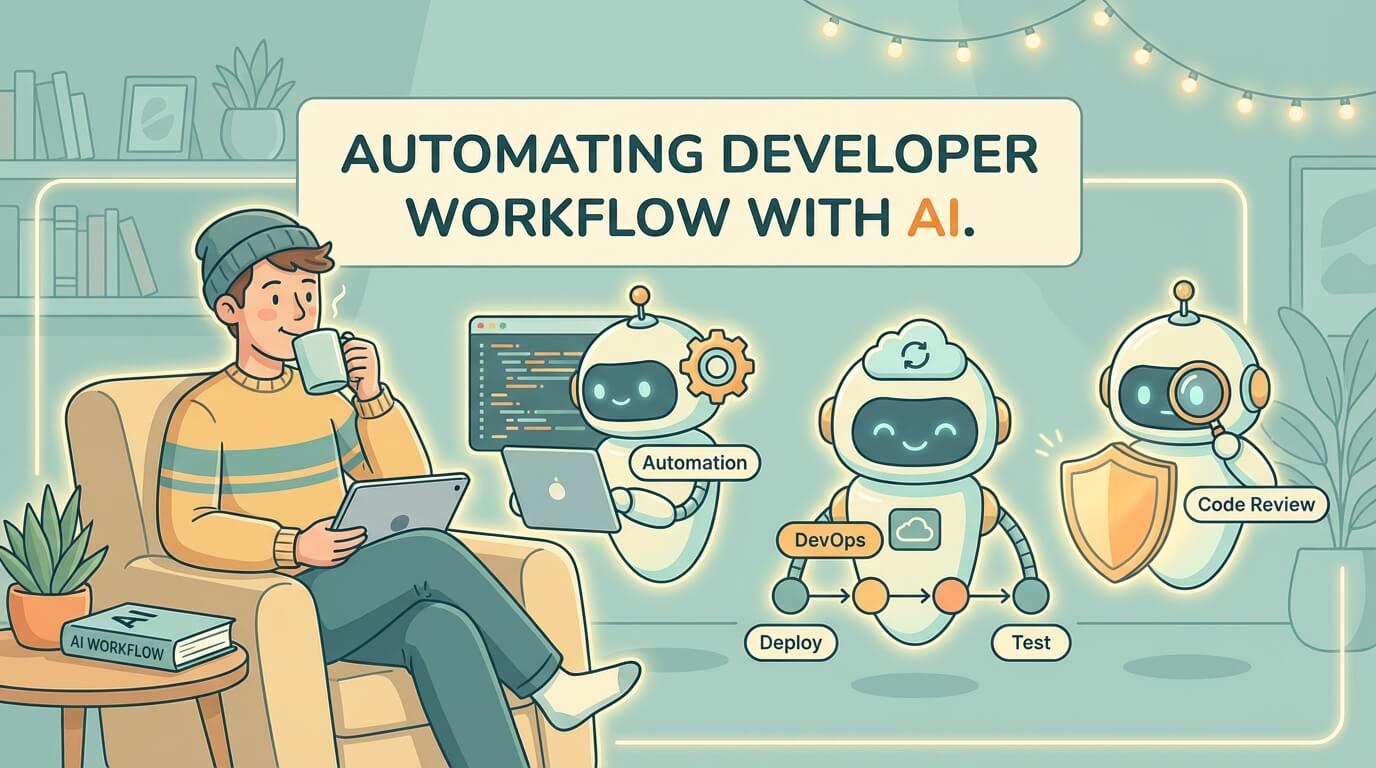
AI Workflow Automation: Code Review to Deploy
Wednesday, Dec 24, 2025
As developers, we spend a lot of time on repetitive tasks: writing commit messages, reviewing code, creating documentation, and various other “boring” stuff. But now, AI can help automate most of this workflow.
In this article, I’ll share how to integrate AI into your development workflow—from code review to deployment.
Developer Workflows That Can Be Automated
Before diving into tools, let’s list the tasks that can be automated:
- Code Review — AI can catch bugs, security issues, and code smells
- Commit Messages — Generate meaningful conventional commits
- Documentation — README, JSDoc, API docs, changelog
- PR Description — Automatic change summaries
- Bug Detection — Smarter static analysis
- Security Scanning — Identify vulnerabilities before deploy
Let’s discuss each one.
AI for Code Review
GitHub Copilot for Pull Requests
GitHub Copilot now has a PR review feature. Here’s how to use it:
- Open a Pull Request on GitHub
- Click “Add reviewer”
- Select “Copilot”
Copilot will analyze code changes and provide feedback about:
- Potential bugs
- Performance issues
- Code style inconsistencies
- Security vulnerabilities
CodeRabbit
CodeRabbit is a more advanced AI code reviewer. Its advantages:
# .coderabbit.yaml
reviews:
  request_changes_workflow: true
  high_level_summary: true
  poem: false
  review_status: true
  collapse_walkthrough: false
  path_filters:
    - "!**/*.lock"
    - "!**/dist/**"
Setup is easy:
- Install CodeRabbit GitHub App
- Add
.coderabbit.yamlto your repo - Every PR will be automatically reviewed
CodeRabbit can:
- Provide line-by-line review comments
- Detect security vulnerabilities
- Suggest improvements
- Generate PR summary
AI for Generating Commit Messages
Tired of thinking up good commit messages? AI can help.
Using Conventional Commits with AI
# Install aicommits
npm install -g aicommits

# Setup API key
aicommits config set OPENAI_KEY=sk-xxx

# Generate commit message
aicommits
Or if using VS Code with Copilot:
- Stage your changes
- Open Source Control panel
- Click the ✨ (sparkle) icon in the commit message input
- Copilot will generate a commit message
Custom Script with OpenAI
// scripts/generate-commit.js
import OpenAI from 'openai';
import { execSync } from 'child_process';

const openai = new OpenAI();

async function generateCommitMessage() {
  const diff = execSync('git diff --staged').toString();

  const response = await openai.chat.completions.create({
    model: 'gpt-4o-mini',
    messages: [
      {
        role: 'system',
        content: `Generate a conventional commit message for this diff.
                  Format: type(scope): description
                  Types: feat, fix, docs, style, refactor, test, chore`
      },
      {
        role: 'user',
        content: diff
      }
    ]
  });

  return response.choices[0].message.content;
}
AI for Documentation
Auto-generate README
Tools like readme-ai can generate a complete README:
# Install
pip install readmeai

# Generate README
readmeai --repository https://github.com/username/repo
JSDoc Generation with Copilot
In VS Code, type /** above a function, press Enter, and Copilot will suggest complete JSDoc:
/**
 * Calculates the total price including tax and discount
 * @param {number} price - Base price of the item
 * @param {number} taxRate - Tax rate as decimal (e.g., 0.1 for 10%)
 * @param {number} discount - Discount amount to subtract
 * @returns {number} Final price after tax and discount
 */
function calculateTotal(price, taxRate, discount) {
  return price * (1 + taxRate) - discount;
}
API Documentation
For API docs, tools like Mintlify have an AI writer that can:
- Generate endpoint descriptions
- Create example requests/responses
- Write getting started guides
AI for PR Description
GitHub Copilot PR Summary
Copilot can auto-generate PR descriptions:
- Create a new PR
- In the description field, type
/summary - Copilot will generate a summary from all commits
Custom GitHub Action for PR Description
# .github/workflows/pr-description.yml
name: Generate PR Description

on:
  pull_request:
    types: [opened]

jobs:
  generate:
    runs-on: ubuntu-latest
    steps:
      - uses: actions/checkout@v4
        with:
          fetch-depth: 0

      - name: Generate Description
        uses: actions/github-script@v7
        with:
          script: |
            const { execSync } = require('child_process');

            // Get commit messages
            const commits = execSync(
              `git log origin/main..HEAD --pretty=format:"%s"`
            ).toString();

            // Call AI API to generate summary
            // ... implementation

            // Update PR description
            await github.rest.pulls.update({
              owner: context.repo.owner,
              repo: context.repo.repo,
              pull_number: context.issue.number,
              body: generatedDescription
            });
AI Integration in GitHub Actions
AI-Powered Test Generation
# .github/workflows/generate-tests.yml
name: Generate Missing Tests

on:
  pull_request:
    paths:
      - 'src/**/*.ts'

jobs:
  generate-tests:
    runs-on: ubuntu-latest
    steps:
      - uses: actions/checkout@v4

      - name: Find files without tests
        id: find
        run: |
          # Find source files without corresponding test files
          files=$(find src -name "*.ts" ! -name "*.test.ts" | while read f; do
            test_file="${f%.ts}.test.ts"
            if [ ! -f "$test_file" ]; then
              echo "$f"
            fi
          done)
          echo "files=$files" >> $GITHUB_OUTPUT

      - name: Generate tests with AI
        if: steps.find.outputs.files != ''
        run: |
          # Use AI to generate test files
          # Implementation depends on your AI provider
Smart Deployment Decisions
# .github/workflows/smart-deploy.yml
name: Smart Deploy

on:
  push:
    branches: [main]

jobs:
  analyze:
    runs-on: ubuntu-latest
    outputs:
      should_deploy: ${{ steps.ai.outputs.deploy }}
      risk_level: ${{ steps.ai.outputs.risk }}
    steps:
      - uses: actions/checkout@v4
        with:
          fetch-depth: 10

      - name: AI Risk Analysis
        id: ai
        run: |
          # Analyze recent changes
          changes=$(git diff HEAD~5..HEAD --stat)

          # Send to AI for risk assessment
          # Returns: deploy (true/false), risk (low/medium/high)

  deploy:
    needs: analyze
    if: needs.analyze.outputs.should_deploy == 'true'
    runs-on: ubuntu-latest
    steps:
      - name: Deploy with caution level
        run: |
          if [ "${{ needs.analyze.outputs.risk_level }}" == "high" ]; then
            echo "🚨 High risk deployment - enabling extra monitoring"
            # Deploy with canary
          else
            echo "✅ Normal deployment"
            # Standard deploy
          fi
AI for Bug Detection and Security Scanning
Snyk with AI Insights
Snyk now has AI features for:
- Prioritizing vulnerabilities based on context
- Suggesting more accurate fixes
- Explaining impact in easy-to-understand language
# .github/workflows/security.yml
name: Security Scan

on: [push, pull_request]

jobs:
  snyk:
    runs-on: ubuntu-latest
    steps:
      - uses: actions/checkout@v4

      - name: Run Snyk
        uses: snyk/actions/node@master
        env:
          SNYK_TOKEN: ${{ secrets.SNYK_TOKEN }}
        with:
          args: --severity-threshold=high
SonarQube with AI Code Smells
SonarQube’s AI features can detect:
- Complex code patterns
- Potential runtime errors
- Security hotspots
# .github/workflows/sonar.yml
name: SonarQube Analysis

on:
  push:
    branches: [main]
  pull_request:

jobs:
  sonarqube:
    runs-on: ubuntu-latest
    steps:
      - uses: actions/checkout@v4
        with:
          fetch-depth: 0

      - name: SonarQube Scan
        uses: sonarsource/sonarqube-scan-action@master
        env:
          SONAR_TOKEN: ${{ secrets.SONAR_TOKEN }}
          SONAR_HOST_URL: ${{ secrets.SONAR_HOST_URL }}
Tools Recommendation and Setup
Essential AI Tools for Developers
| Tool | Use Case | Pricing |
|---|---|---|
| GitHub Copilot | Code completion, PR review | $10/month |
| CodeRabbit | Advanced code review | Free for open source |
| Snyk | Security scanning | Free tier available |
| Mintlify | Documentation | Free tier available |
| aicommits | Commit messages | Free (bring your own API key) |
Recommended Setup
-
VS Code Extensions:
- GitHub Copilot
- Copilot Chat
- Error Lens (to see AI suggestions)
-
GitHub Apps:
- CodeRabbit
- Snyk
- Dependabot (built-in)
-
CLI Tools:
npm install -g aicommits pip install readmeai -
GitHub Actions:
# Minimal AI-powered workflow
name: AI Checks

on: [pull_request]

jobs:
  review:
    runs-on: ubuntu-latest
    steps:
      - uses: actions/checkout@v4

      # CodeRabbit runs automatically via GitHub App

      - name: Security Scan
        uses: snyk/actions/node@master
        env:
          SNYK_TOKEN: ${{ secrets.SNYK_TOKEN }}
Best Practices for AI Automation
1. Don’t Blindly Trust AI
AI is an assistant, not a replacement. Always review its output:
# Good: AI suggests, human approves
reviews:
  auto_approve: false  # ❌ Never auto-approve
  request_changes_workflow: true  # ✅ AI can request changes, human decides
2. Set Clear Boundaries
Define what AI can and cannot do:
# .coderabbit.yaml
reviews:
  path_filters:
    - "!**/*.lock"      # Skip lock files
    - "!**/generated/**" # Skip generated code
    - "!**/*.min.js"    # Skip minified files
3. Monitor AI Costs
AI tools can be expensive if not controlled:
// Track API usage
const usage = {
  tokens_used: response.usage.total_tokens,
  estimated_cost: response.usage.total_tokens * 0.00001,
  timestamp: new Date()
};

// Log for monitoring
console.log('AI Usage:', usage);
4. Gradual Adoption
Don’t implement everything at once:
- Week 1-2: Commit message generation
- Week 3-4: Code review AI
- Month 2: Documentation automation
- Month 3: CI/CD integration
5. Team Alignment
Make sure the team agrees with AI adoption:
# AI Usage Guidelines (add to CONTRIBUTING.md)

## AI Tools We Use
- GitHub Copilot for code completion
- CodeRabbit for PR review
- aicommits for commit messages

## Rules
- AI suggestions must be reviewed before merge
- Commit messages can be edited after AI generates them
- Security findings from AI must be addressed
Conclusion
AI automation isn’t about replacing developers—it’s about removing friction from our workflow. With the right setup, you can:
- Save 30-60 minutes per day on repetitive tasks
- Catch bugs earlier with AI code review
- Improve code quality with consistent standards
- Speed up onboarding with auto-generated docs
Start small, iterate, and adjust based on your team’s needs.
Resources: