Tutorial React Query (TanStack Query): Panduan Lengkap Data Fetching
Selasa, 23 Des 2025
Kalau kamu pernah bikin aplikasi React yang konek ke API, pasti tahu betapa ribetnya ngatur data: loading state, error handling, caching, refetching… Semua harus dihandle manual dengan useState dan useEffect.
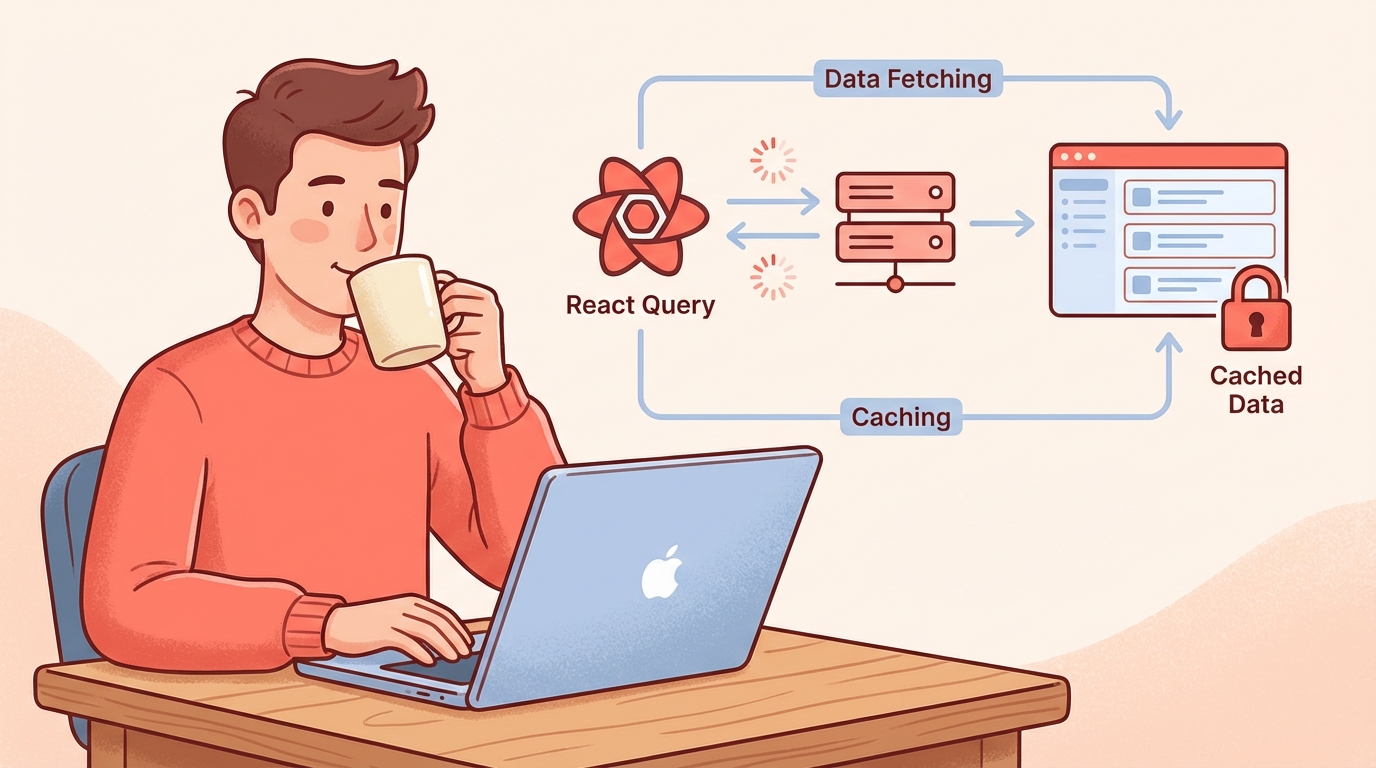
React Query (sekarang namanya TanStack Query) hadir untuk menyederhanakan semua itu. Library ini jadi game changer buat data fetching di React.
Apa itu React Query / TanStack Query?
TanStack Query adalah library untuk server state management di React. Berbeda dengan client state (seperti form input, modal open/close), server state adalah data yang berasal dari API/database.
// Cara lama: useState + useEffect
const [data, setData] = useState(null);
const [loading, setLoading] = useState(true);
const [error, setError] = useState(null);

useEffect(() => {
  fetch('/api/products')
    .then(res => res.json())
    .then(data => {
      setData(data);
      setLoading(false);
    })
    .catch(err => {
      setError(err);
      setLoading(false);
    });
}, []);

// Cara baru: React Query
const { data, isLoading, error } = useQuery({
  queryKey: ['products'],
  queryFn: () => fetch('/api/products').then(res => res.json())
});
Lihat perbedaannya? Dari 15+ baris jadi 4 baris saja.
Fitur Utama TanStack Query
| Fitur | Deskripsi |
|---|---|
| Caching Otomatis | Data disimpan di memory, tidak perlu fetch ulang |
| Background Refetching | Data di-update di background tanpa loading spinner |
| Stale-While-Revalidate | Tampilkan data lama sambil fetch data baru |
| Error Retry | Otomatis retry kalau request gagal |
| Pagination & Infinite Query | Built-in support untuk pagination |
| Optimistic Updates | UI update duluan sebelum API response |
| DevTools | Visual debugging untuk semua query |
Instalasi dan Setup
1. Install Package
npm install @tanstack/react-query
# atau
pnpm add @tanstack/react-query
2. Setup QueryClientProvider
Wrap aplikasi dengan QueryClientProvider di root component:
// filepath: /src/main.tsx
import { QueryClient, QueryClientProvider } from '@tanstack/react-query';

const queryClient = new QueryClient({
  defaultOptions: {
    queries: {
      staleTime: 1000 * 60 * 5, // 5 menit
      retry: 3,
    },
  },
});

function App() {
  return (
    <QueryClientProvider client={queryClient}>
      <Router />
    </QueryClientProvider>
  );
}
3. Install DevTools (Opsional tapi Recommended)
npm install @tanstack/react-query-devtools// filepath: /src/main.tsx
import { ReactQueryDevtools } from '@tanstack/react-query-devtools';
function App() {
return (
<QueryClientProvider client={queryClient}>
<Router />
<ReactQueryDevtools initialIsOpen={false} />
</QueryClientProvider>
);
}useQuery: Fetch Data dengan Mudah
useQuery adalah hook utama untuk membaca data (GET request).
Basic Usage
// filepath: /src/hooks/useProducts.ts
import { useQuery } from '@tanstack/react-query';

interface Product {
  id: number;
  name: string;
  price: number;
}

async function fetchProducts(): Promise<Product[]> {
  const res = await fetch('/api/products');
  if (!res.ok) throw new Error('Failed to fetch products');
  return res.json();
}

export function useProducts() {
  return useQuery({
    queryKey: ['products'],
    queryFn: fetchProducts,
  });
}
Menggunakan di Component
// filepath: /src/components/ProductList.tsx
import { useProducts } from '../hooks/useProducts';

export function ProductList() {
  const { data, isLoading, error, refetch } = useProducts();

  if (isLoading) return <div>Loading...</div>;
  if (error) return <div>Error: {error.message}</div>;

  return (
    <div>
      <button onClick={() => refetch()}>Refresh</button>
      <ul>
        {data?.map(product => (
          <li key={product.id}>
            {product.name} - Rp {product.price.toLocaleString()}
          </li>
        ))}
      </ul>
    </div>
  );
}
Query dengan Parameter
// filepath: /src/hooks/useProduct.ts
export function useProduct(id: number) {
  return useQuery({
    queryKey: ['product', id], // Query key unik per ID
    queryFn: () => fetch(`/api/products/${id}`).then(res => res.json()),
    enabled: !!id, // Hanya fetch kalau id ada
  });
}
useMutation: Create, Update, Delete Data
useMutation digunakan untuk operasi yang mengubah data di server (POST, PUT, DELETE).
Create Data
// filepath: /src/hooks/useCreateProduct.ts
import { useMutation, useQueryClient } from '@tanstack/react-query';

interface CreateProductInput {
  name: string;
  price: number;
}

export function useCreateProduct() {
  const queryClient = useQueryClient();

  return useMutation({
    mutationFn: (newProduct: CreateProductInput) =>
      fetch('/api/products', {
        method: 'POST',
        headers: { 'Content-Type': 'application/json' },
        body: JSON.stringify(newProduct),
      }).then(res => res.json()),

    onSuccess: () => {
      // Invalidate cache agar data ter-refresh
      queryClient.invalidateQueries({ queryKey: ['products'] });
    },
  });
}
Menggunakan Mutation di Form
// filepath: /src/components/CreateProductForm.tsx
import { useState } from 'react';
import { useCreateProduct } from '../hooks/useCreateProduct';

export function CreateProductForm() {
  const [name, setName] = useState('');
  const [price, setPrice] = useState('');

  const createProduct = useCreateProduct();

  const handleSubmit = (e: React.FormEvent) => {
    e.preventDefault();
    createProduct.mutate(
      { name, price: Number(price) },
      {
        onSuccess: () => {
          setName('');
          setPrice('');
          alert('Produk berhasil ditambahkan!');
        },
        onError: (error) => {
          alert(`Error: ${error.message}`);
        },
      }
    );
  };

  return (
    <form onSubmit={handleSubmit}>
      <input
        value={name}
        onChange={(e) => setName(e.target.value)}
        placeholder="Nama produk"
        required
      />
      <input
        type="number"
        value={price}
        onChange={(e) => setPrice(e.target.value)}
        placeholder="Harga"
        required
      />
      <button type="submit" disabled={createProduct.isPending}>
        {createProduct.isPending ? 'Menyimpan...' : 'Tambah Produk'}
      </button>
    </form>
  );
}
Update Data dengan Optimistic Update
Optimistic update membuat UI terasa lebih responsif dengan mengupdate tampilan sebelum API selesai:
// filepath: /src/hooks/useUpdateProduct.ts
import { useMutation, useQueryClient } from '@tanstack/react-query';

export function useUpdateProduct() {
  const queryClient = useQueryClient();

  return useMutation({
    mutationFn: ({ id, ...data }: { id: number; name: string; price: number }) =>
      fetch(`/api/products/${id}`, {
        method: 'PUT',
        headers: { 'Content-Type': 'application/json' },
        body: JSON.stringify(data),
      }).then(res => res.json()),

    // Optimistic update
    onMutate: async (updatedProduct) => {
      // Cancel ongoing fetches
      await queryClient.cancelQueries({ queryKey: ['products'] });

      // Snapshot data sebelumnya
      const previousProducts = queryClient.getQueryData(['products']);

      // Update cache secara optimistik
      queryClient.setQueryData(['products'], (old: Product[]) =>
        old.map(p => (p.id === updatedProduct.id ? { ...p, ...updatedProduct } : p))
      );

      return { previousProducts };
    },

    onError: (err, variables, context) => {
      // Rollback ke data sebelumnya kalau error
      if (context?.previousProducts) {
        queryClient.setQueryData(['products'], context.previousProducts);
      }
    },

    onSettled: () => {
      // Refetch untuk memastikan data sinkron
      queryClient.invalidateQueries({ queryKey: ['products'] });
    },
  });
}
Delete Data
// filepath: /src/hooks/useDeleteProduct.ts
export function useDeleteProduct() {
  const queryClient = useQueryClient();

  return useMutation({
    mutationFn: (id: number) =>
      fetch(`/api/products/${id}`, { method: 'DELETE' }),

    onSuccess: () => {
      queryClient.invalidateQueries({ queryKey: ['products'] });
    },
  });
}
Infinite Query: Pagination & Infinite Scroll
Untuk load more atau infinite scroll, gunakan useInfiniteQuery:
// filepath: /src/hooks/useInfiniteProducts.ts
import { useInfiniteQuery } from '@tanstack/react-query';

interface ProductPage {
  products: Product[];
  nextCursor: number | null;
}

export function useInfiniteProducts() {
  return useInfiniteQuery({
    queryKey: ['products', 'infinite'],
    queryFn: async ({ pageParam = 0 }) => {
      const res = await fetch(`/api/products?cursor=${pageParam}&limit=10`);
      return res.json() as Promise<ProductPage>;
    },
    getNextPageParam: (lastPage) => lastPage.nextCursor,
    initialPageParam: 0,
  });
}
// filepath: /src/components/InfiniteProductList.tsx
export function InfiniteProductList() {
const {
data,
fetchNextPage,
hasNextPage,
isFetchingNextPage,
} = useInfiniteProducts();
return (
<div>
{data?.pages.map((page, i) => (
<div key={i}>
{page.products.map(product => (
<div key={product.id}>{product.name}</div>
))}
</div>
))}
<button
onClick={() => fetchNextPage()}
disabled={!hasNextPage || isFetchingNextPage}
>
{isFetchingNextPage
? 'Loading more...'
: hasNextPage
? 'Load More'
: 'No more products'}
</button>
</div>
);
}Tips dan Best Practices
1. Organisasi Query Keys
// filepath: /src/lib/queryKeys.ts
export const queryKeys = {
  products: {
    all: ['products'] as const,
    lists: () => [...queryKeys.products.all, 'list'] as const,
    list: (filters: string) => [...queryKeys.products.lists(), filters] as const,
    details: () => [...queryKeys.products.all, 'detail'] as const,
    detail: (id: number) => [...queryKeys.products.details(), id] as const,
  },
};
2. Centralized API Functions
// filepath: /src/lib/api.ts
const API_BASE = '/api';

export const api = {
  products: {
    getAll: () => fetch(`${API_BASE}/products`).then(res => res.json()),
    getById: (id: number) => fetch(`${API_BASE}/products/${id}`).then(res => res.json()),
    create: (data: CreateProductInput) =>
      fetch(`${API_BASE}/products`, {
        method: 'POST',
        headers: { 'Content-Type': 'application/json' },
        body: JSON.stringify(data),
      }).then(res => res.json()),
  },
};
3. Error Handling Global
// filepath: /src/main.tsx
const queryClient = new QueryClient({
  defaultOptions: {
    queries: {
      retry: (failureCount, error) => {
        // Jangan retry untuk 4xx errors
        if (error instanceof Error && error.message.includes('4')) {
          return false;
        }
        return failureCount < 3;
      },
    },
    mutations: {
      onError: (error) => {
        // Global error handler
        toast.error(`Something went wrong: ${error.message}`);
      },
    },
  },
});
React Query vs Alternatif Lain
| Aspek | React Query | SWR | Zustand + Fetch |
|---|---|---|---|
| Caching | ✅ Powerful | ✅ Good | ❌ Manual |
| DevTools | ✅ Built-in | ❌ Community | ❌ Tidak ada |
| Mutations | ✅ Built-in | ⚠️ Tambahan | ❌ Manual |
| Bundle Size | ~13KB | ~4KB | ~2KB |
| Learning Curve | Medium | Easy | Easy |
| Optimistic Updates | ✅ Built-in | ⚠️ Manual | ❌ Manual |
Kapan pakai React Query?
- Aplikasi dengan banyak API calls
- Butuh caching dan background refetching
- Tim yang butuh DevTools untuk debugging
Kapan pakai SWR?
- Aplikasi lebih simple
- Bundle size jadi prioritas
Kesimpulan
React Query / TanStack Query adalah solusi modern untuk data fetching di React. Dengan fitur seperti caching otomatis, background refetching, dan DevTools, kamu bisa fokus ke logic bisnis tanpa pusing ngurusin state management untuk server data.
Key takeaways:
- Gunakan
useQueryuntuk GET request - Gunakan
useMutationuntuk POST/PUT/DELETE - Manfaatkan
invalidateQueriesuntuk sync data setelah mutation - Gunakan optimistic updates untuk UX yang lebih baik
Mulai pakai React Query di project kamu berikutnya dan rasakan perbedaannya!